How Implicit makes video for your wall.
Say what you want. Preview it. Put it on the wall.
Step one
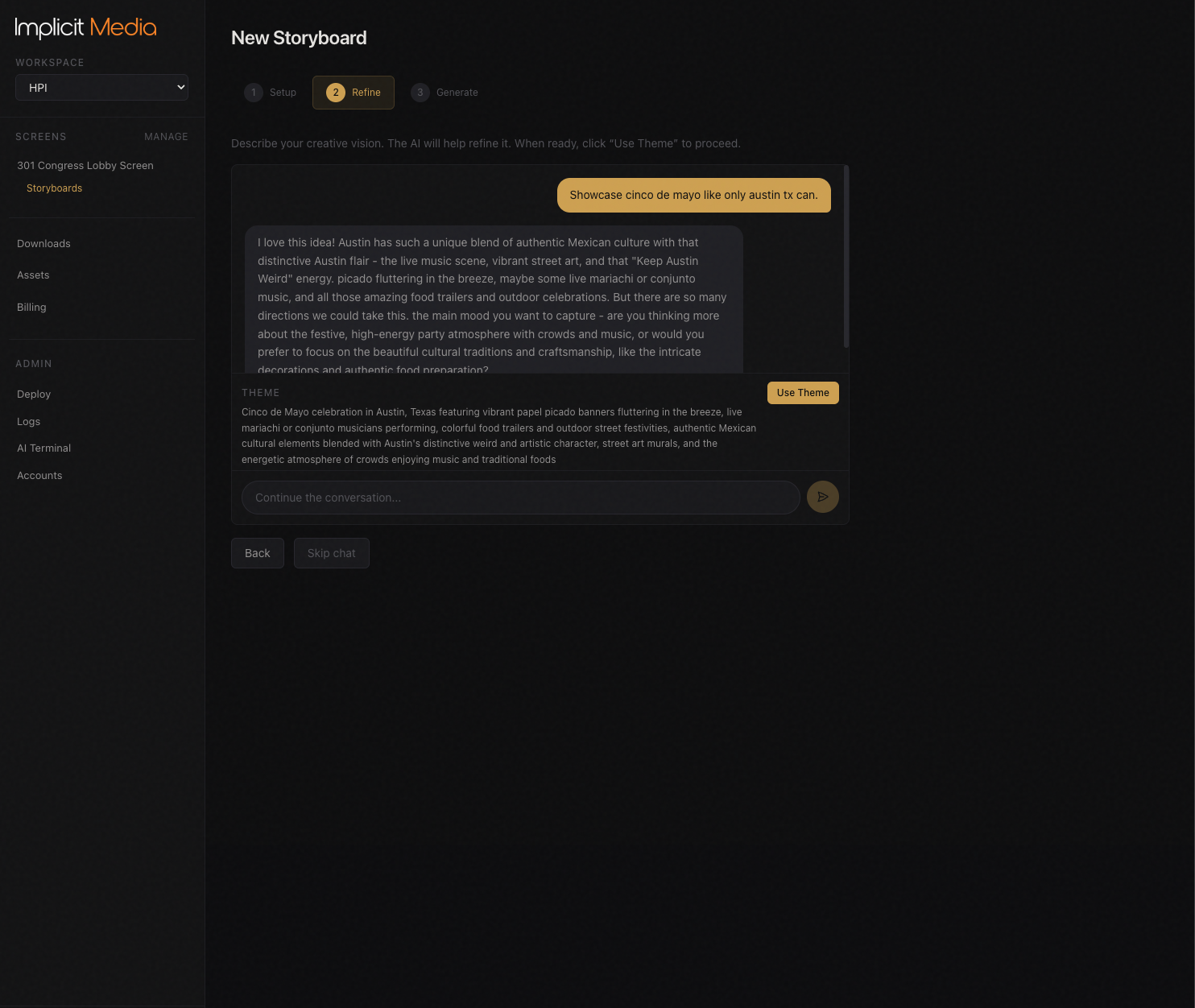
Say what you want.
Describe the mood, the season, the place — "calm nature in our building colors for autumn". Talk it through with the assistant. No prompts to learn.
- ·Pick from looks in your wall's proportions to start.
- ·Change one scene without redoing the rest.
- ·A long video, not a clip at a time — we call a whole video a storyboard.
Step two
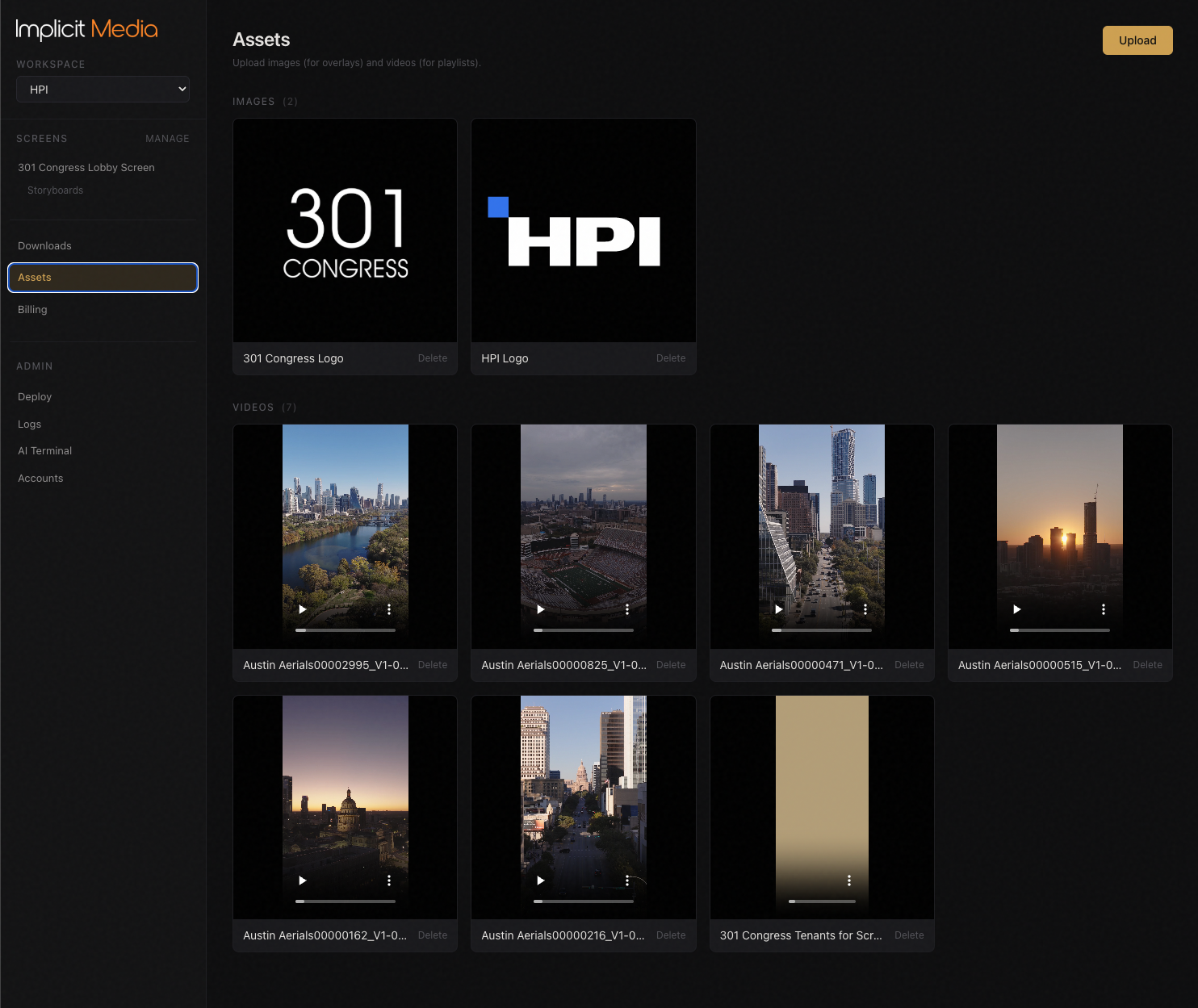
Your logo and your building, every time.
Tell Implicit about your logo, your building and your colors once, and Implicit keeps them consistent from scene to scene. One look carries across a whole season.
Step three
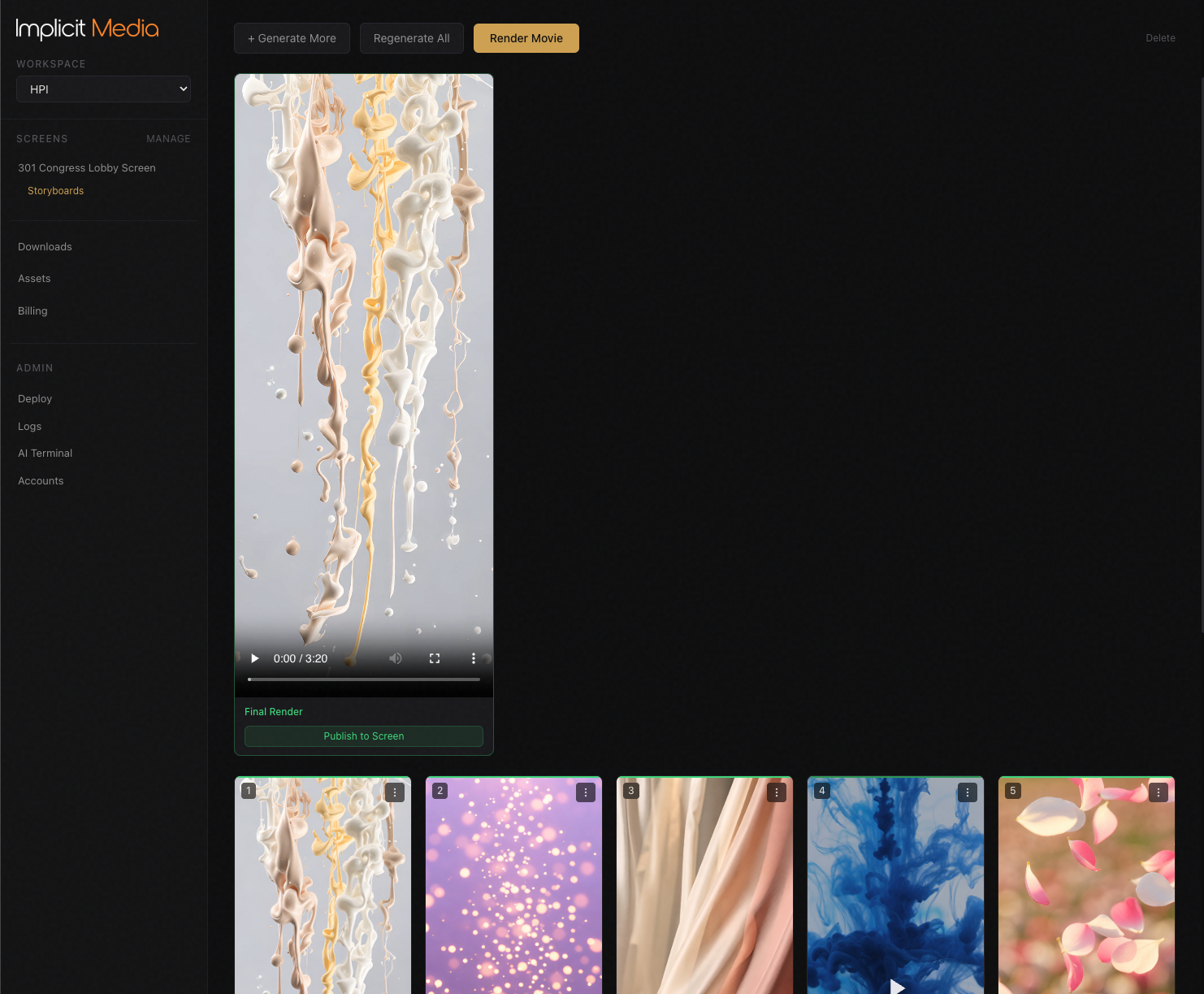
Preview, then put it on the wall.
Watch the whole video in your browser. Send a link to your GM that plays on a phone. When it is right, you put it on the wall. Nothing goes on the wall unless you put it there.
Step four
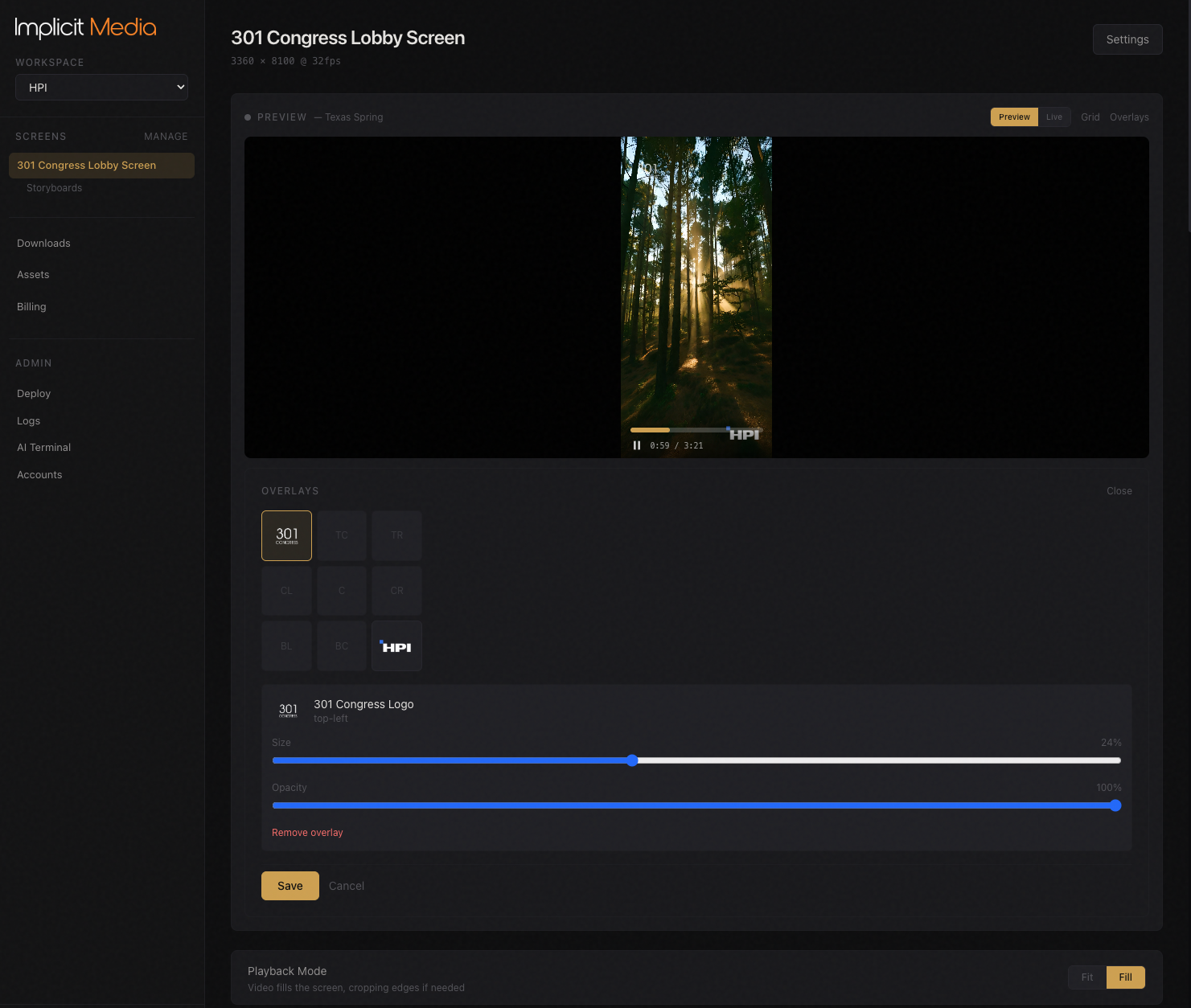
Your logos on top.
Tenant logos, your own mark, a campaign — the files you upload, placed in any of nine positions, sized to fit, and updated without touching the video underneath.
Step five
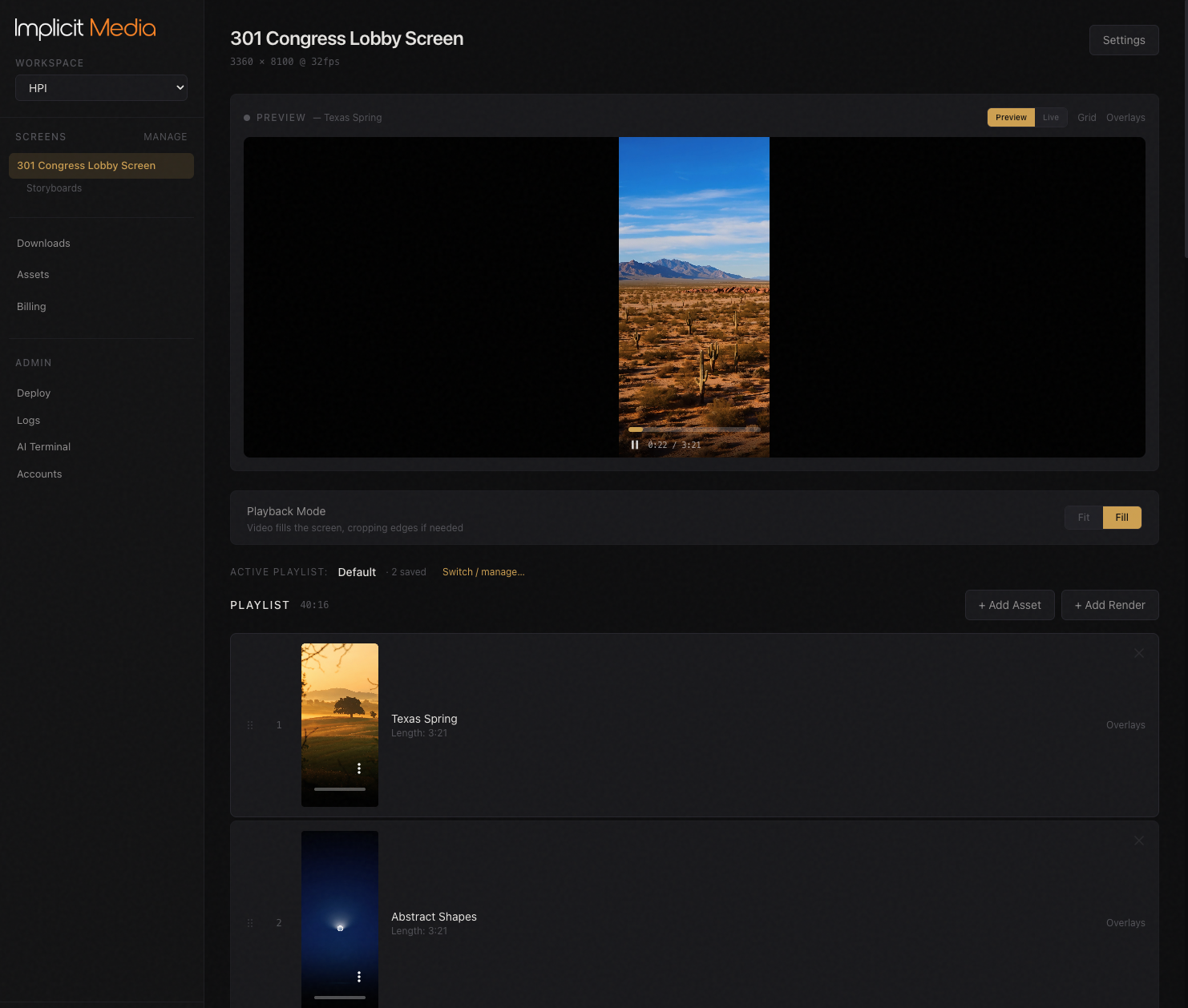
Run every screen from a browser.
See what each screen is playing, queue what is next, switch themes for the season. The wall and the elevator screens from one account.
- ·How it connects to the screen you already have: the two routes in use today
What you pay for
What a credit is.
A credit is how Implicit counts new video. One credit is about one five-second scene at standard quality; a six-scene video is about six credits. Every plan includes 100 credits a month; more are $1 each from $50 and never expire. You see the exact cost before you make a video. Previewing, changing the order of your loop and adding logos never cost credits. Making new video — including remaking a scene — does.
See what it costs for your building →Made with AI
Generated by AI. Put up by you.
Every video is generated with AI. The assistant refuses requests that are not suitable for a corporate lobby, and you see every video before it goes on the wall. Nothing goes on the wall unless you put it there.
Ready to see it on your wall?
Make your first video free. Pick a plan when it is ready for the wall.
Get started for freeor write to sales@implicitmedia.com
Card required to sign up; not charged until you buy credits or a plan.